Description
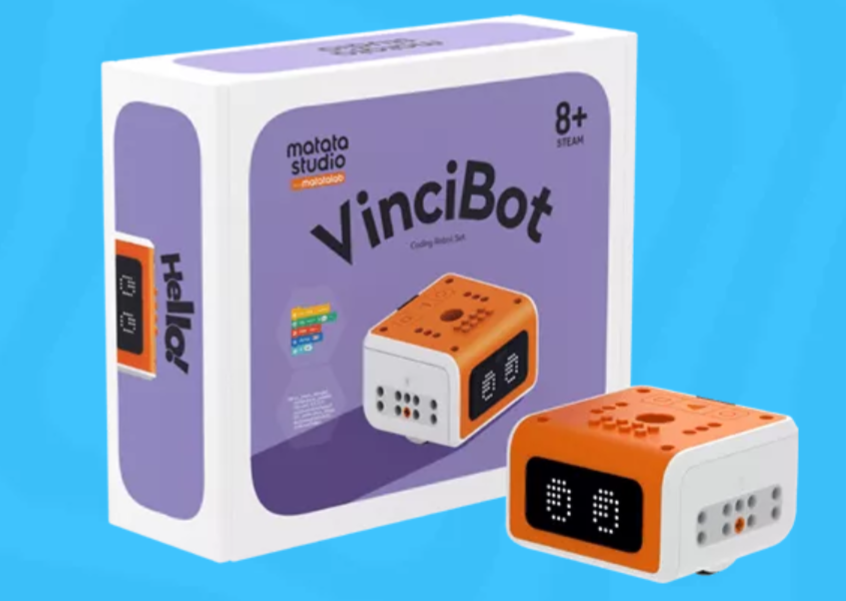
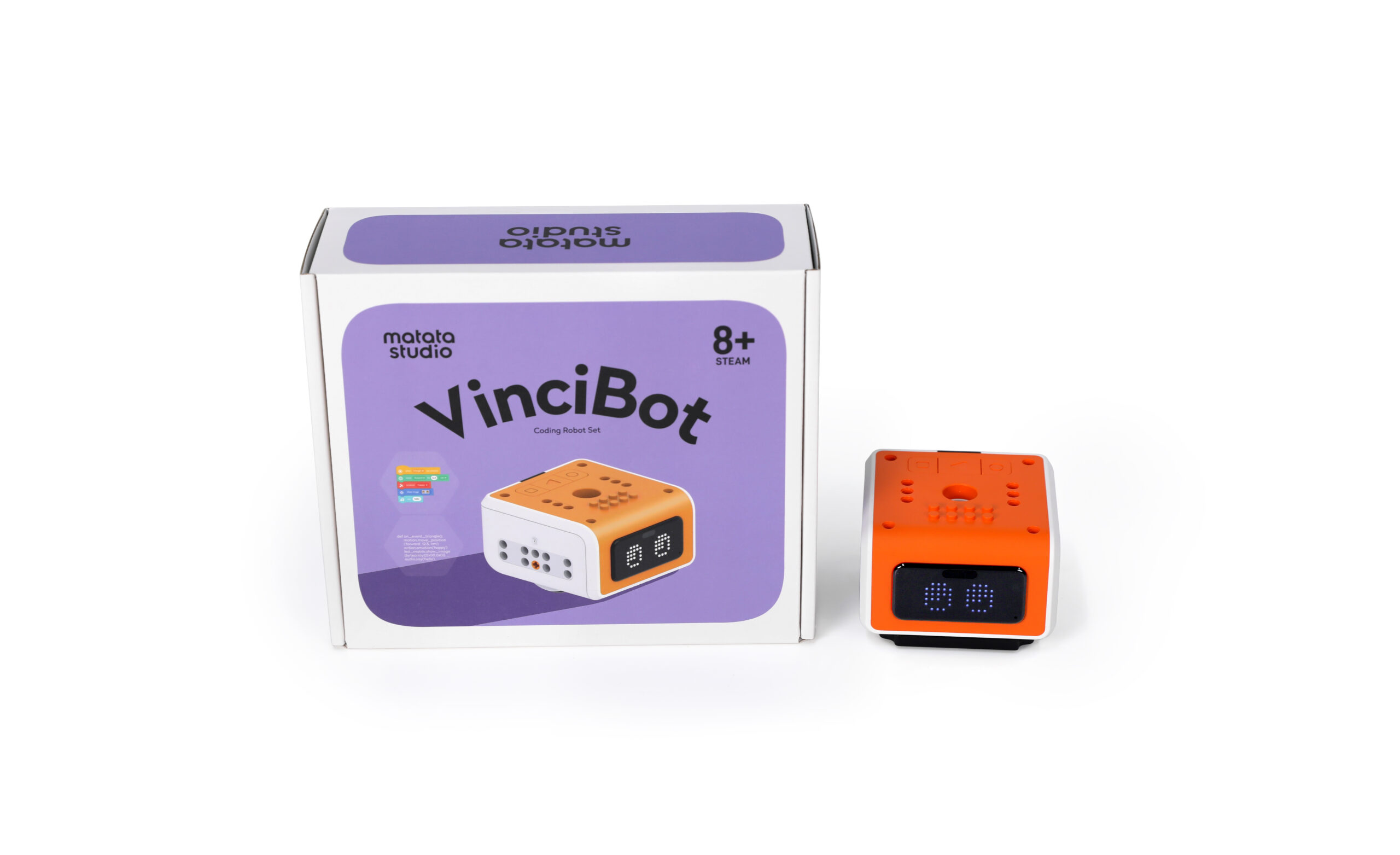
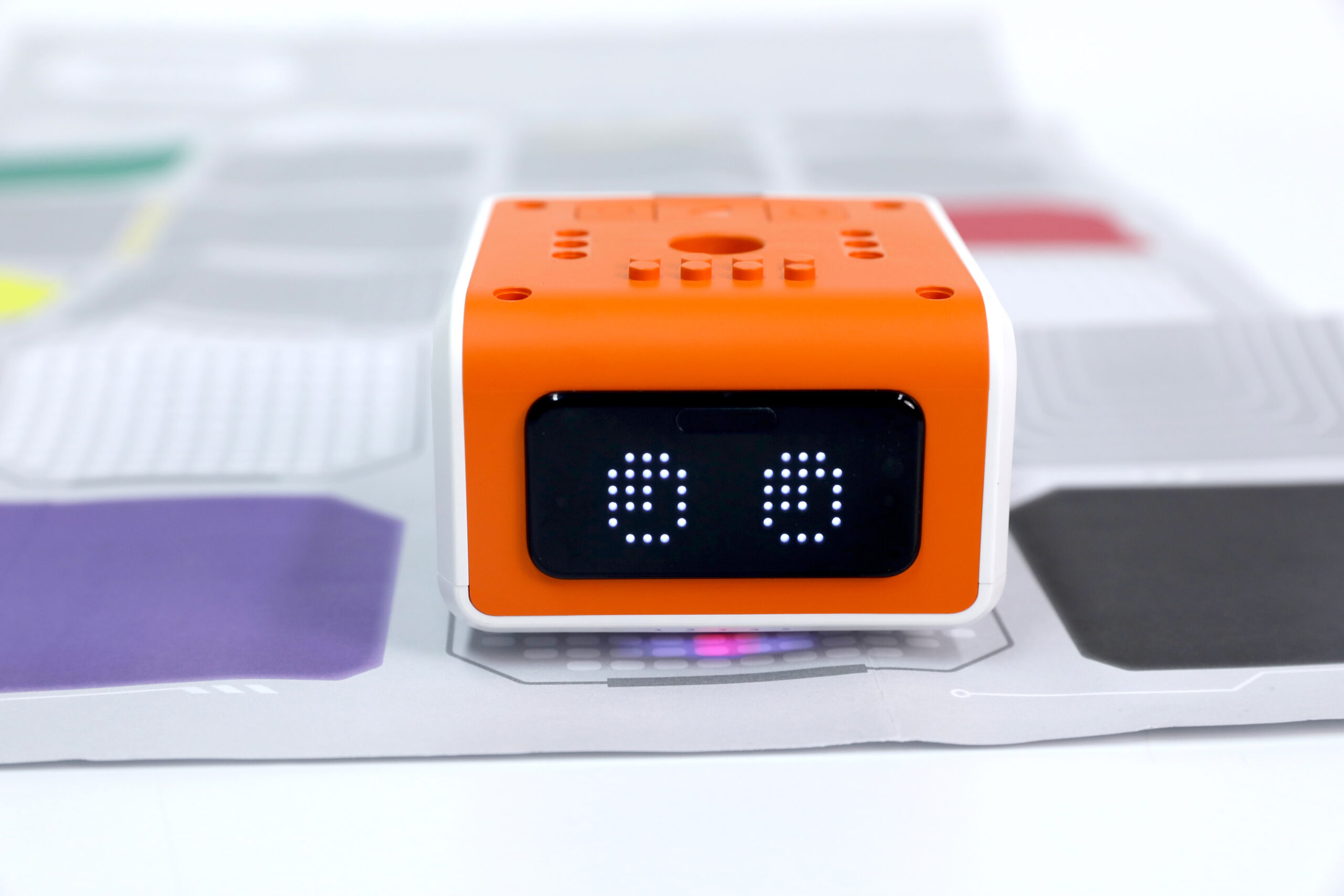
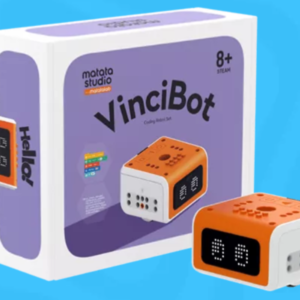
VinciBot is designed to encourage “learning by doing”—helping learners build and iterate on projects through trial, creativity, and collaboration. It supports a variety of project combinations, and even enables building with multiple robots together for richer classroom challenges.
Students code using MatataCode, progressing from block-based programming to text-based programming as their skills grow—supporting computational thinking as well as design and engineering thinking.
VinciBot is also positioned as an open and extensible platform—compatible with LEGO® bricks and other third-party modules—making it suitable for creative builds and robotics competition-style exploration.
Why VinciBot?
- Built for students aged 8+ (primary and secondary use).
- Learn with MatataCode—move from block-based to text-based programming.
- Cross-platform software support: Windows, Mac, iOS, Android.
- Supports creative project types (including music, dancing, and drawing).
- Designed for open extensibility and robotics competition-style creativity.
- Includes learning pathways referencing AI and IoT features within the VinciBot ecosystem.
What’s included:
(The official VinciBot page emphasizes learning experience + software; it doesn’t list a full box inventory publicly. The items below stick to what’s explicitly stated.)
VinciBot Coding Robot Set
- A multi-functional coding robot set designed for building and programming projects.
- Supports multi-robot builds (“multiple robots can be built together”).
MatataCode Programming Software
- A cross-platform programming learning platform used to control/program VinciBot.
- Available for Android/iOS and Windows/Mac downloads.
Teaching & Classroom Resources (downloadable samples available)
- VinciBot teacher manual and VinciBot activity cards are listed in MatataStudio’s downloads.
Ideal for
- Primary & middle school coding programs (ages 8+) starting robotics-based CS learning
- STEM/STEAM labs running creativity-led robotics projects (music/dance/drawing builds)
- Schools looking for a progression path from block coding to text coding
- Clubs/teams exploring open-ended extensions and competition-style builds
FAQ Section
1) What age is VinciBot for?
VinciBot is designed for children aged 8 and up.
2) What software do we use to code VinciBot?
You use MatataCode to manipulate/program VinciBot, progressing from block-based to text-based coding.
3) Which devices/OS are supported?
MatataCode is available for Windows, Mac, iOS, and Android.
4) Can students progress beyond beginner coding?
Yes—MatataStudio describes a pathway from block-based to text-based programming, and also references Python programming support in VinciBot materials.
5) Is VinciBot compatible with LEGO® bricks?
The official VinciBot page states it is compatible with LEGO® bricks, plus additional third-party electronic modules.
6) Can we use multiple VinciBots together?
Yes—the product page notes that multiple robots can be built together.
7) Does VinciBot support AI/IoT learning?
VinciBot materials reference AI and IoT features within the ecosystem (including examples such as TinyML/IoT scenarios).













Reviews
There are no reviews yet.